Create a session (Interviewer)
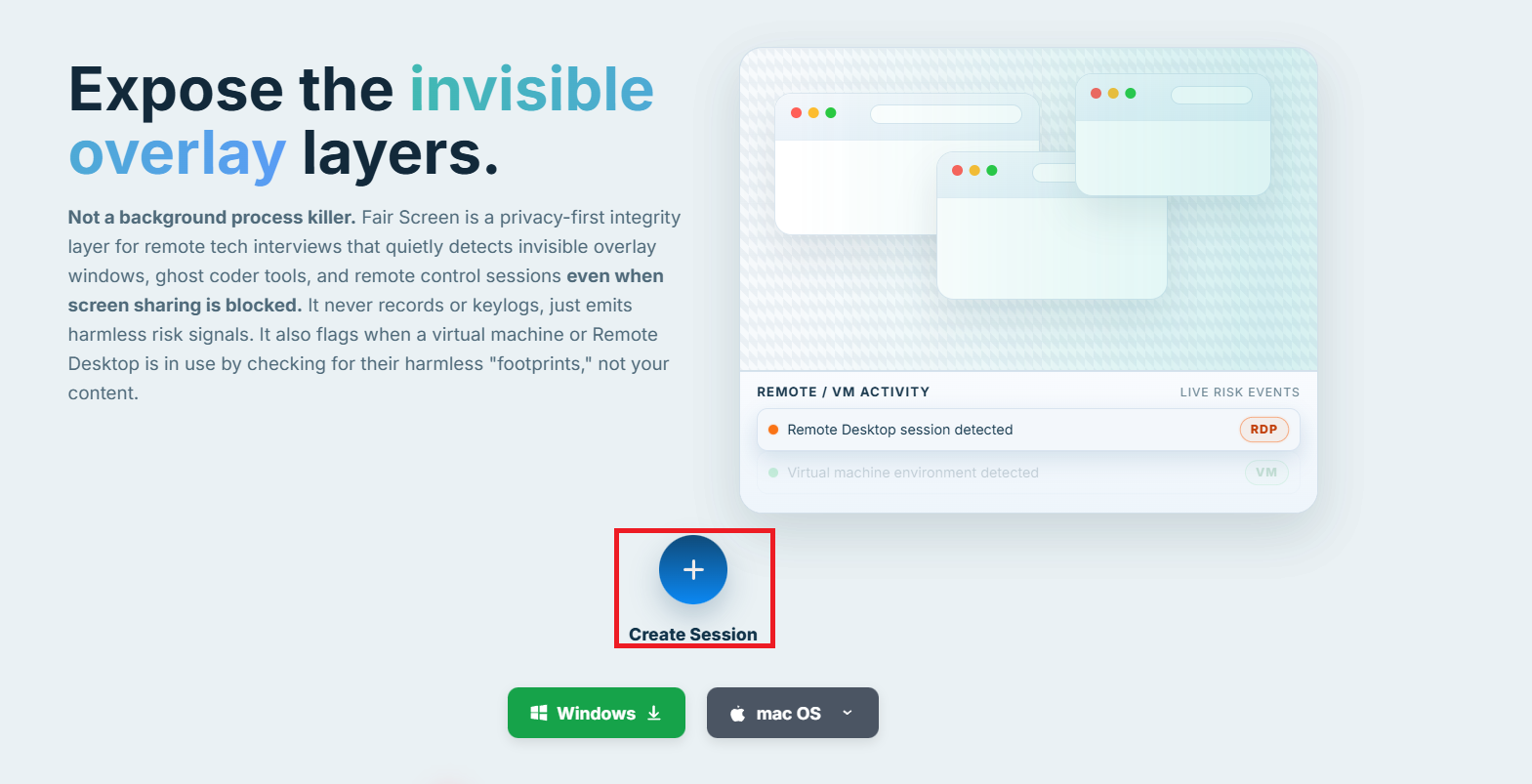
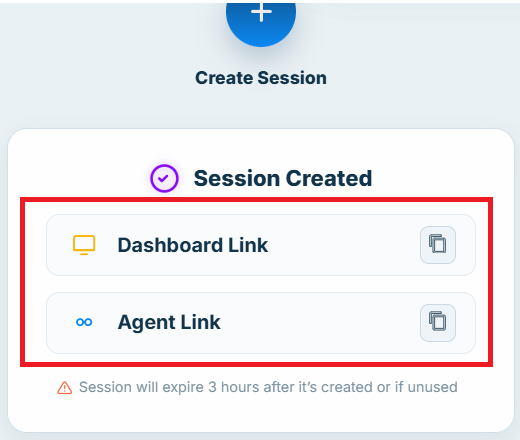
Go to Create Session. Fair Screen generates two links:
Create a session, share the Agent link with the candidate, install the Agent, and connect using Session ID + Token ID.
Go to Create Session. Fair Screen generates two links:
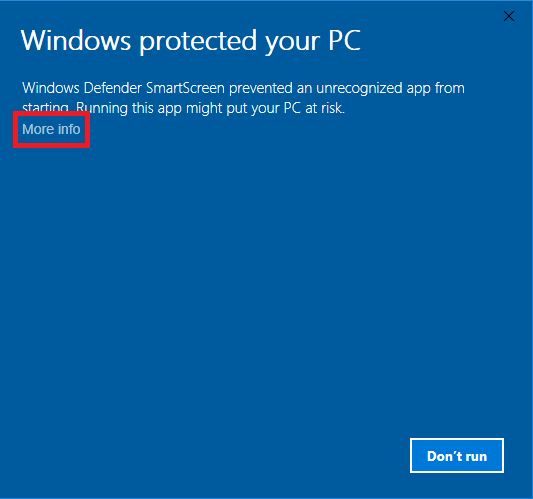
Download the Agent for your OS:
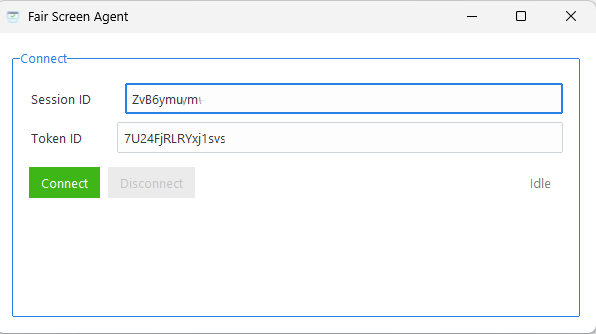
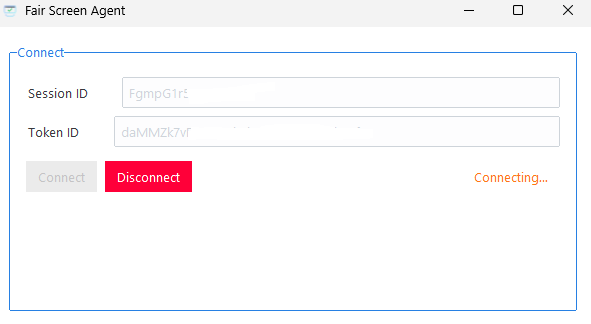
Paste your Session ID + Token ID into the FairScreenAgent app to connect.
These are just example values.
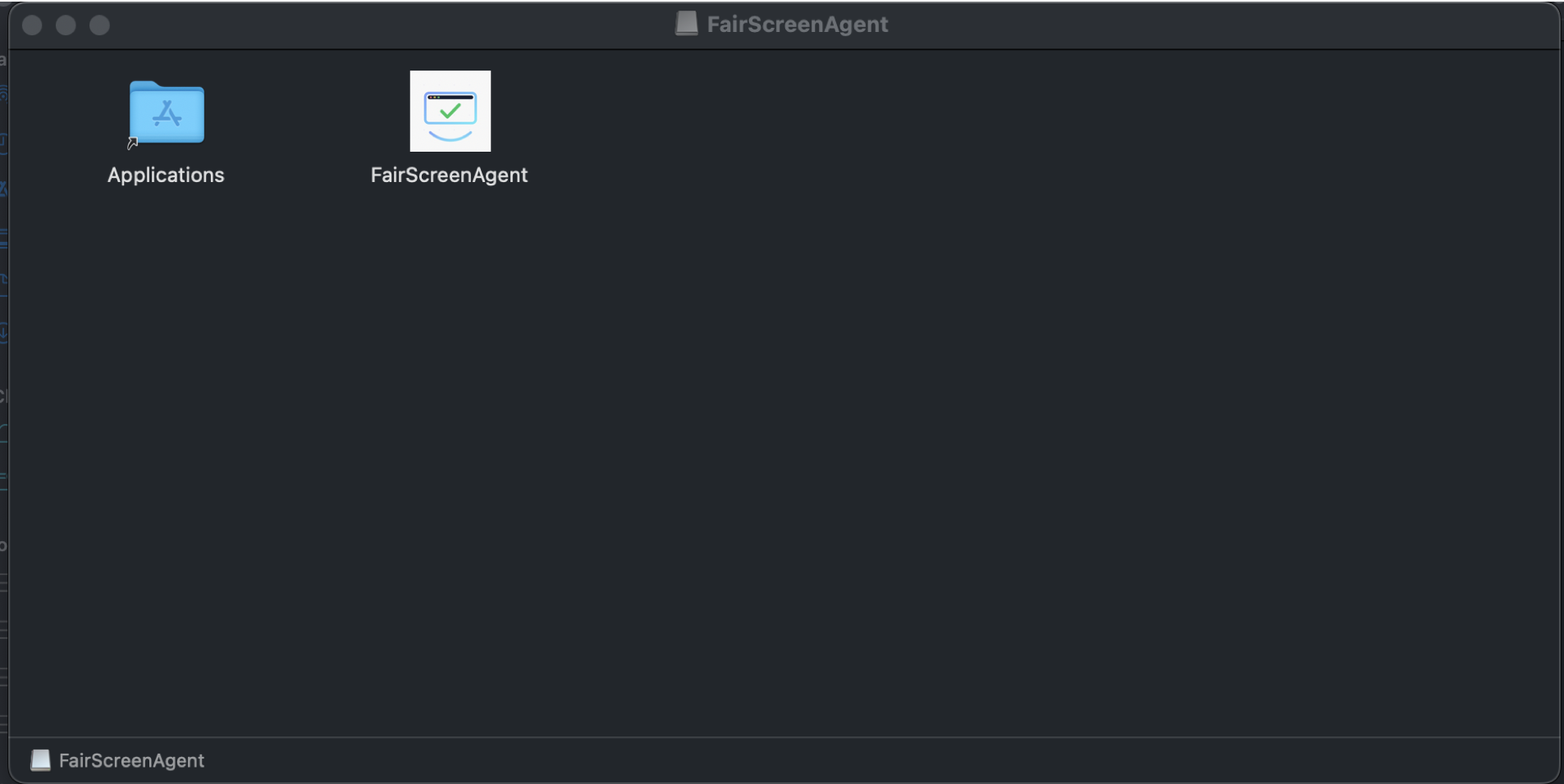
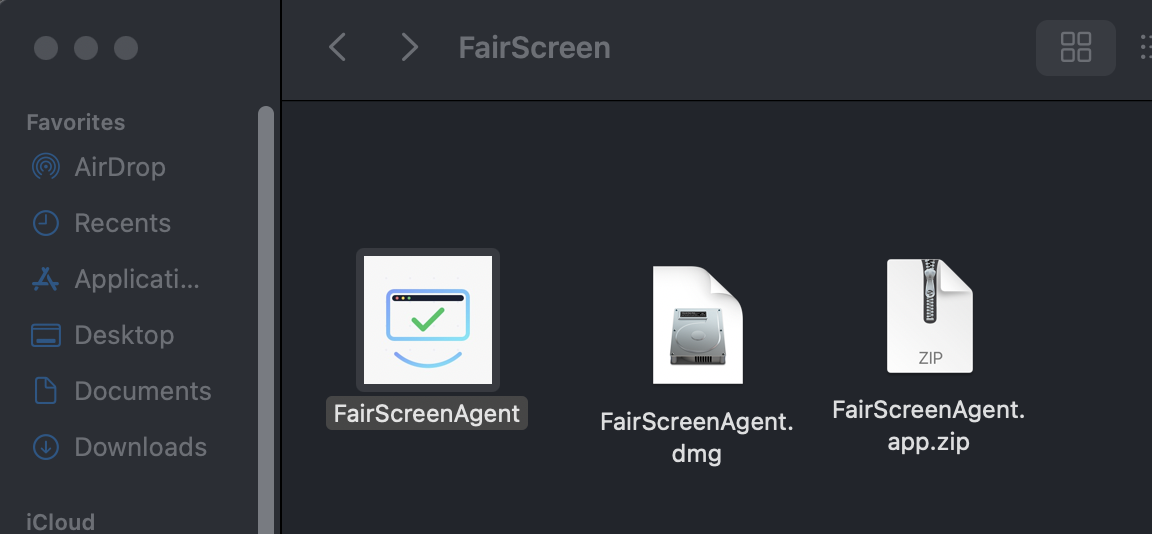
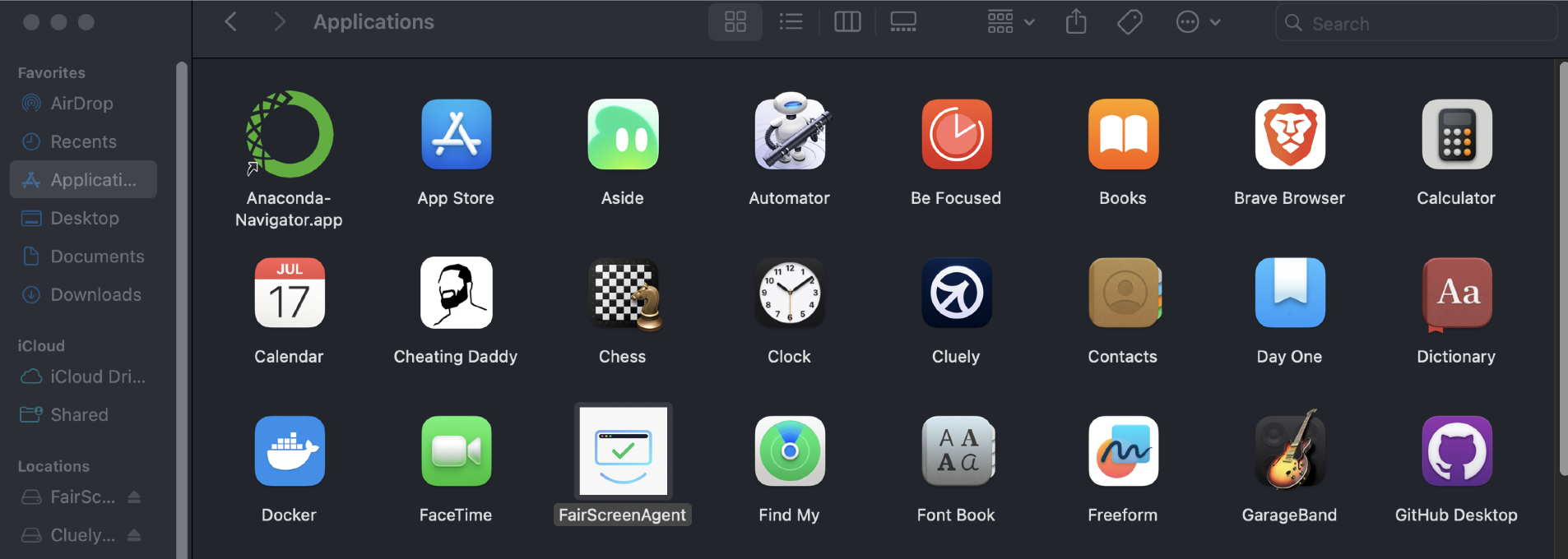
If you downloaded .dmg, open it and drag FairScreenAgent into Applications. If you downloaded .zip, unzip it and move FairScreenAgent into Applications.
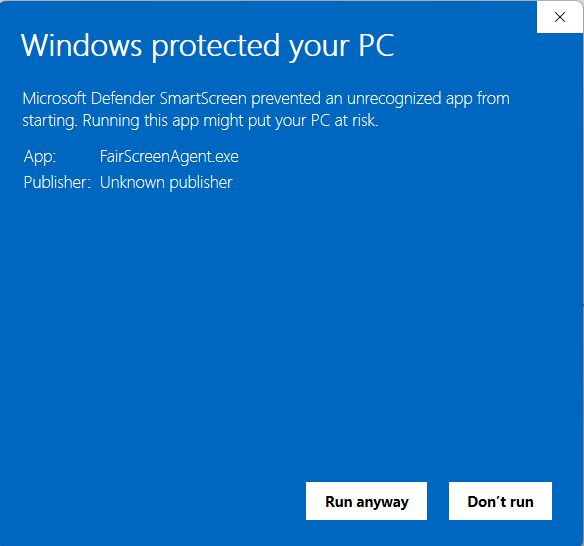
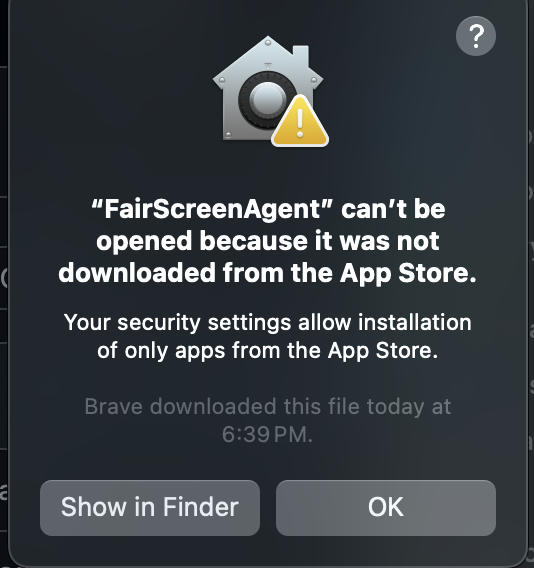
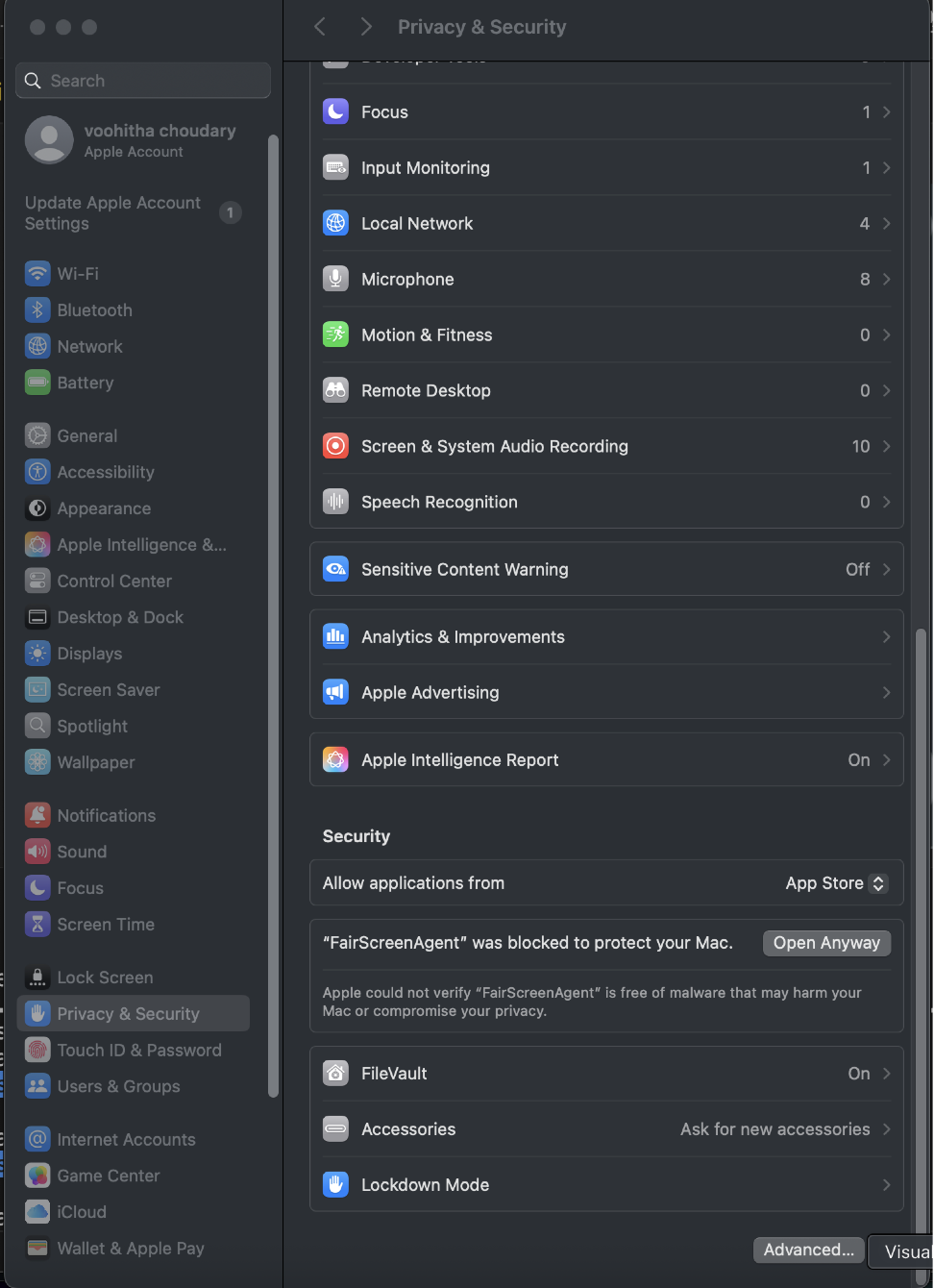
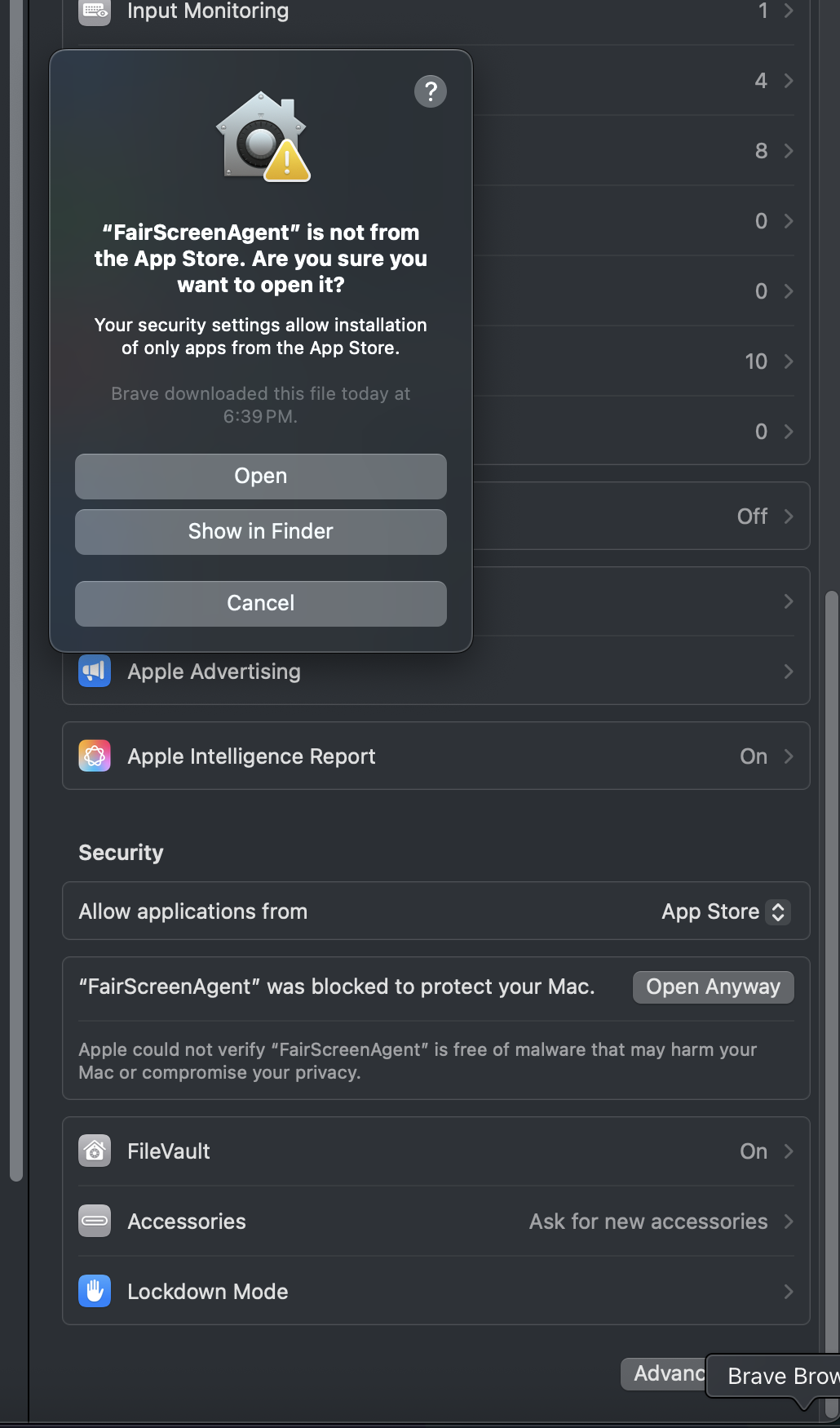
Open the app once. If blocked, go to System Settings → Privacy & Security and click Open Anyway. Then confirm Open.
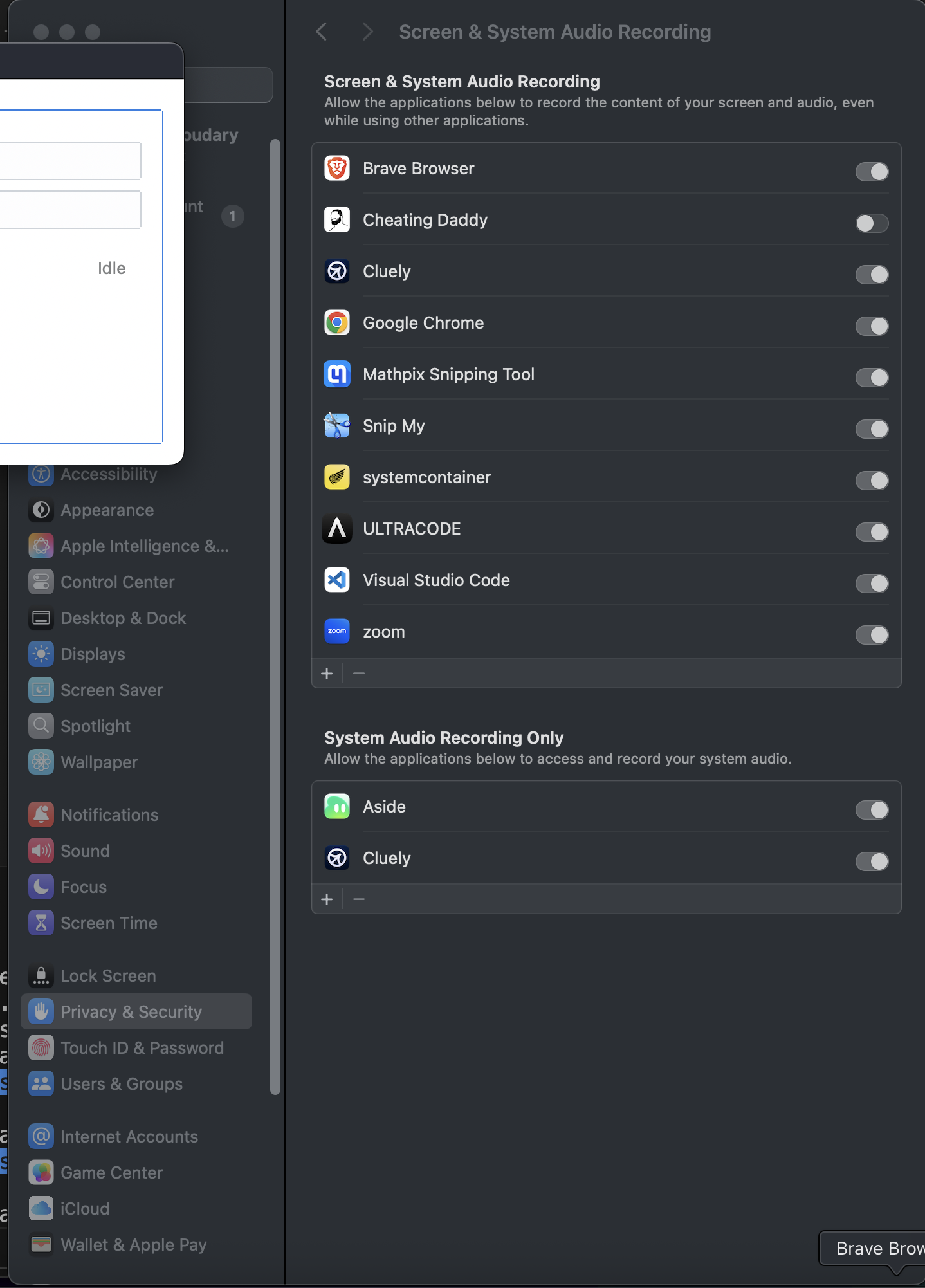
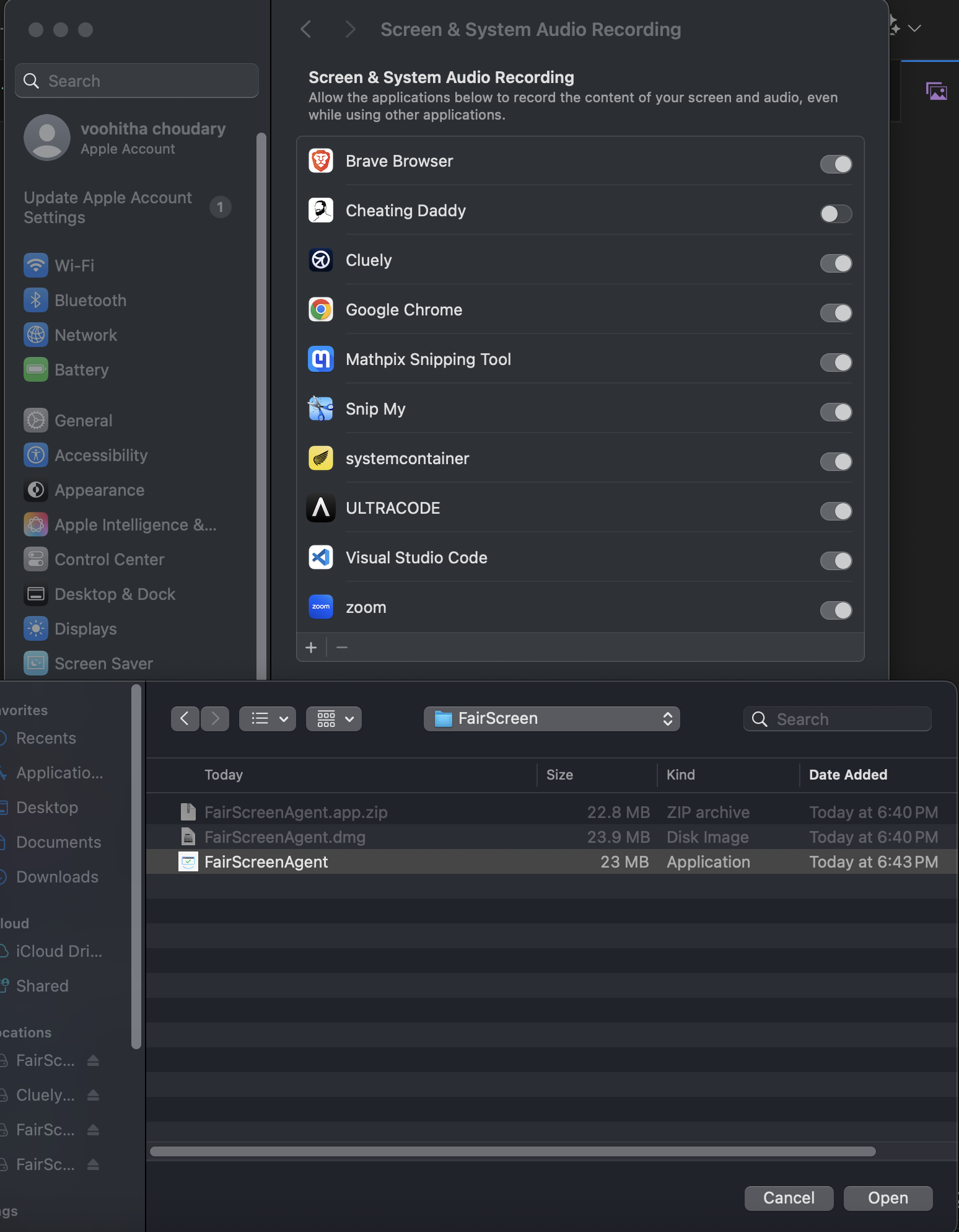
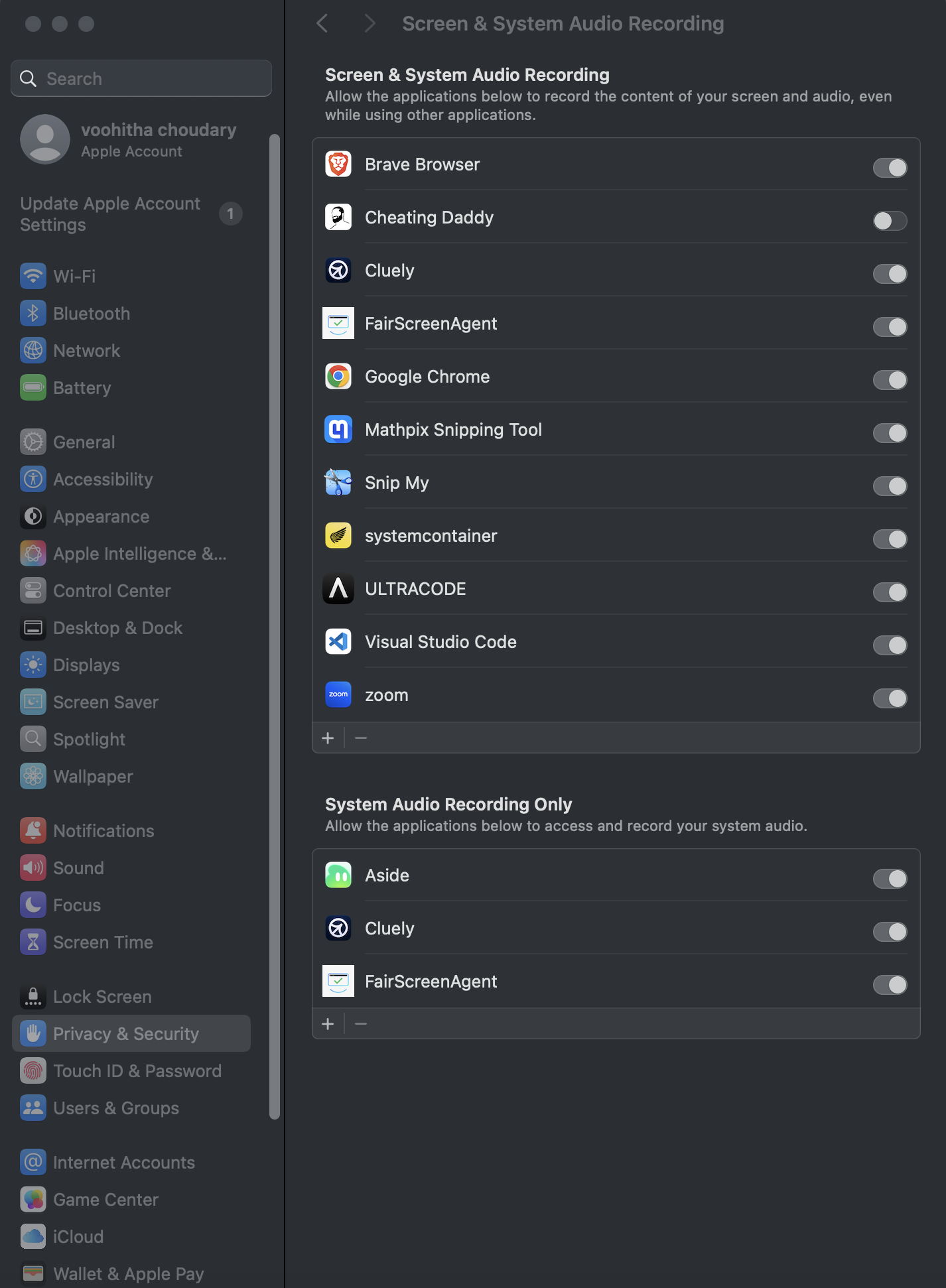
FairScreenAgent needs Screen & System Audio Recording permission to detect hidden overlays. Enable it, then restart the app.
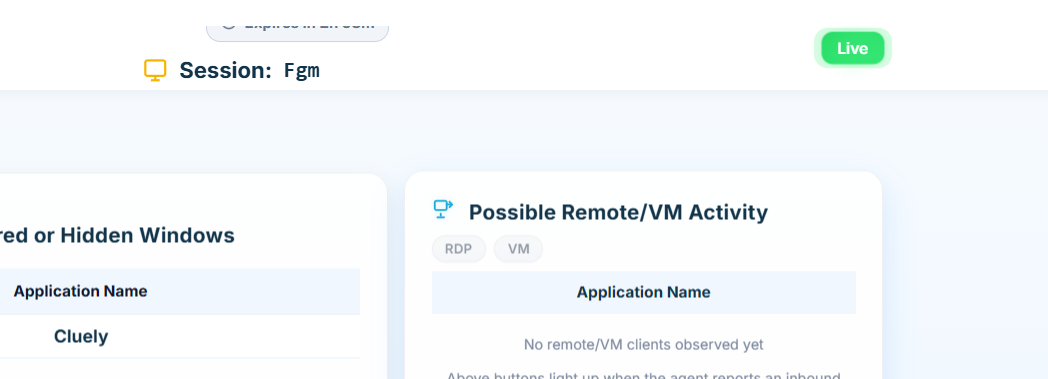
Open FairScreenAgent and paste the Session ID + Token ID from above, then connect. The interviewer should see your status instantly on the Dashboard.